

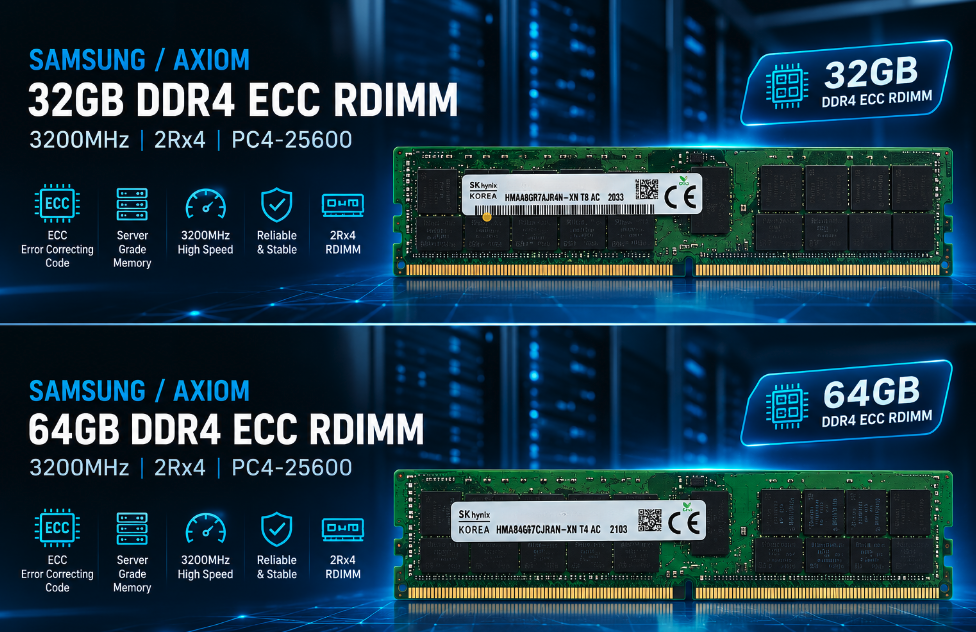
32GB or 64GB? Introducing the Two DDR4 ECC RDIMM Server Memory Lines at Prology
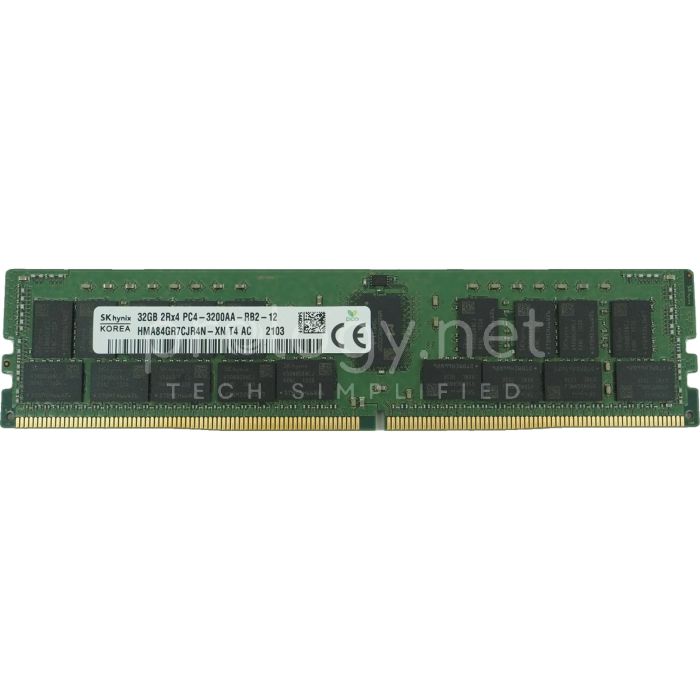
When upgrading a DDR4-generation server’s memory, once you’ve settled the right type (ECC RDIMM) and the right speed, buyers usually face one final question: 32GB or 64GB per slot? The two product lines now stocked at Prology — 32GB 2Rx4 DDR4-2933 and 64GB 2Rx4 DDR4 (in 2933 or 3200 MT/s options) — answer that question in two different ways. This article introduces each line, shows where they’re identical and where they differ, and gives you three questions to settle the decision in one read.
What they share: the same server bloodline
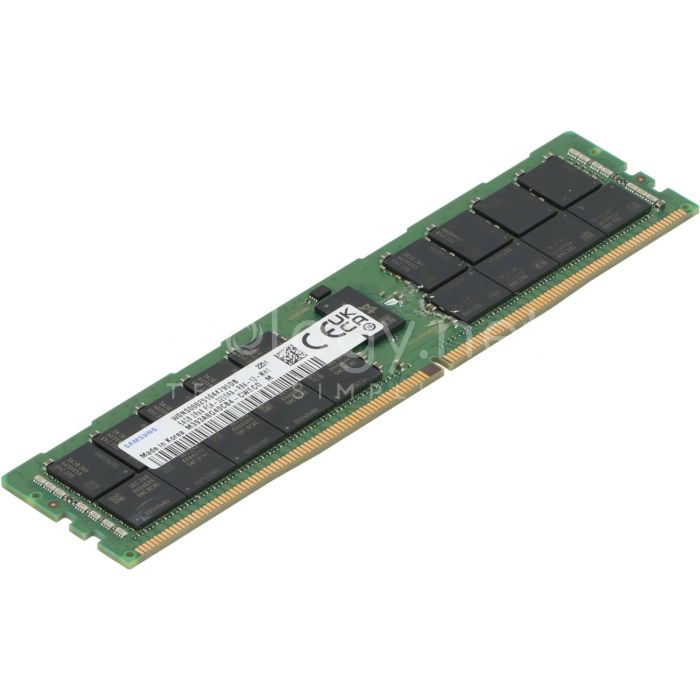
Before comparing, it’s worth stating what’s identical — because it accounts for most of the value in both lines. Both are DDR4 ECC RDIMM in 2Rx4 configuration: error-correcting memory for 24/7 operation, Registered architecture standard for two-socket servers, and dual-rank organization with x4 chips — the most common configuration in the high-capacity RDIMM segment. They serve the same fleet: the Dell PowerEdge, HPE ProLiant, and Lenovo ThinkSystem generations running DDR4-era Xeon Scalable or EPYC — the bulk of business servers in operation today.
In other words: both lines are “the right type” if your platform is DDR4 RDIMM. The difference isn’t quality or technology — it’s the capacity math, the slot count, and the budget.
| Shared Specification | Value |
|---|---|
| Generation | DDR4 |
| Type | ECC RDIMM (Registered) |
| Rank | 2Rx4 |
| ECC | Yes |
| Compatible Platforms | DDR4 servers supporting RDIMM (Xeon Scalable, DDR4-era EPYC…) |
| Part Number / Condition | Confirmed per tray at quotation |
Line one: 32GB 2Rx4 DDR4-2933 — the pragmatic entry
The 32GB line at 2933 MT/s (PC4-23400) is the “enough and correct” choice for the majority of routine upgrades. The typical profile: an SME server running file services, internal ERP, or a mid-size database — where the problem is adding tens to a hundred GB to clear a bottleneck, not reaching the platform’s capacity ceiling. On a two-socket server with 16–24 slots, populating 8–16 sticks of 32GB yields 256–512GB — a level plenty of mid-scale virtualization setups run comfortably.
The line’s biggest advantage is a lower entry cost per module, allowing staged upgrades that track actual demand. The trade-off to plan for: every 32GB slot is a seat taken — if you later need to double capacity with all slots full, the only path is replacing modules, not adding them.
Line two: 64GB 2Rx4 DDR4 — double the ceiling on the same slots
The 64GB line answers the density problem: same server, same slots, double the memory ceiling. A 24-slot server populated entirely with 64GB sticks reaches 1.5TB — the territory of VM-dense virtualization clusters, large databases that want their working set fully cached, and data-processing nodes. It’s also the line to pick when you want growth headroom: install fewer high-capacity sticks and leave slots free for the next round — a far cheaper strategy than replacing every module once you run out of seats.
Prology’s 64GB line comes in two speed options: 2933 MT/s (PC4-23400) and 3200 MT/s (PC4-25600). The selection rule from our batch inspection article bears repeating because it’s real money: operating speed is set by the platform — a 2933-capped platform runs 3200 modules at 2933 (you paid for headroom you can’t use), while a 3200-capable platform running 2933 modules is held below its potential. Send us your server model or CPU before deciding between the two options.
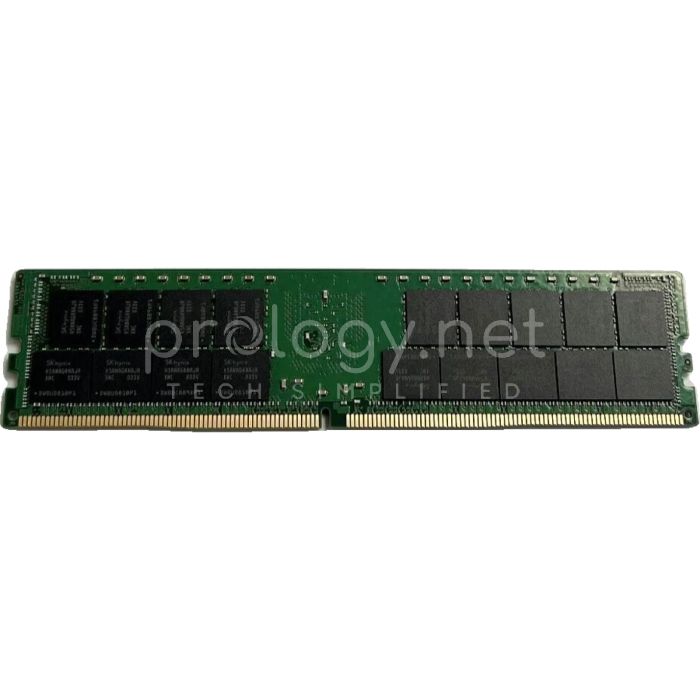
Head to head: 32GB vs. 64GB
| Criterion | 32GB 2Rx4 2933 | 64GB 2Rx4 (2933/3200) |
|---|---|---|
| Core Problem | Add just-enough capacity at a soft entry cost | High density — double the ceiling on the same slots |
| Ceiling on a 24-slot Server | 768GB | 1.5TB |
| Slot Strategy | More slots used for the same total | Fewer slots — headroom for later upgrades |
| Speed Options | 2933 MT/s | 2933 or 3200 MT/s per platform |
| Best Fit | SMEs, file/app servers, mid-size databases | Dense virtualization, large databases, data nodes |
One subtlety worth knowing when computing totals: reaching 512GB with 8x 64GB is not strategically equivalent to 16x 32GB. Fewer sticks leave free slots for the future; more sticks may fully utilize the CPU’s memory channels today. Which way to lean depends on your growth plan and the specific server line’s population rules — exactly the kind of question to put to your supplier along with the machine’s model, rather than deciding on price alone.
Three questions that settle it
One — how many free slots does the server have? Plenty of free slots: the 32GB line delivers good total cost. Few free slots, or nearly full: the 64GB line is all but mandatory for a meaningful capacity increase.
Two — what’s the 2–3 year requirement? Add projected VM/data growth to today’s need. If the number exceeds half the 32GB plan’s ceiling, going straight to 64GB is cheaper than two upgrade rounds.
Three — what speed does the platform actually run? This decides between the 64GB line’s two options (2933 or 3200) — and keeps you from paying for specs you can’t use.
Compatibility notes — repeated because they matter
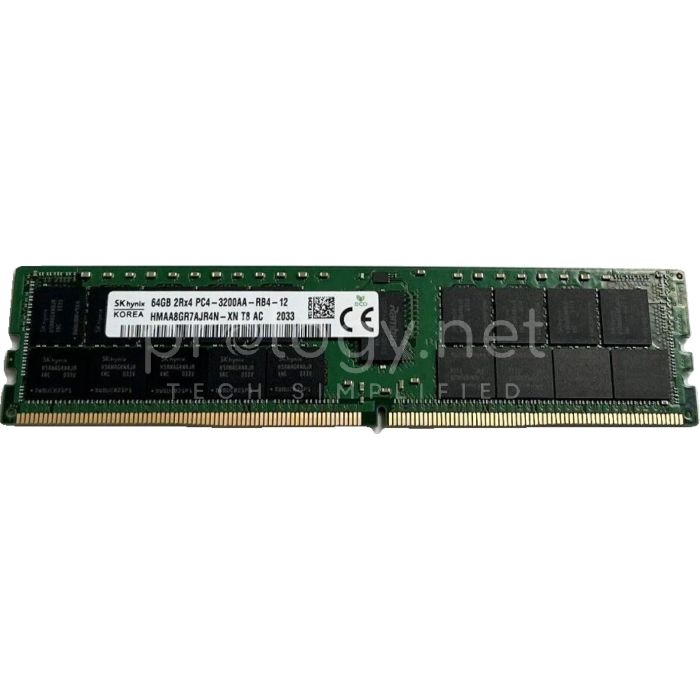
Both lines are RDIMMs: they don’t fit desktop motherboards and never share a system with UDIMMs. When combining with memory already in the machine, the safe rule is same type — same generation — same speed, ideally the same Part Number; mixed configurations may run, but usually at the slowest module’s speed and as a classic source of hard-to-diagnose errors. Before ordering, check four things against your server’s documentation: supported DIMM type, per-channel rank limits, per-slot capacity ceiling, and DIMM population rules. Prology’s per-module inspection process (visual check — SPD verification — trial fit in a compatible system) is described in detail in our batch inspection article; every module we deliver goes through it, with the exact Part Number provided for your own verification.
Frequently asked questions
Can I start with 32GB and add 64GB later?
Technically, many platforms accept mixed capacities of the same RDIMM type — but the configuration may be suboptimal and rules vary by server line. If 64GB is already in your near-term plan, going straight there is the cleanest path.
What happens if I put 64GB 3200 modules in a 2933-only machine?
They run normally at 2933. Nothing breaks — you’ve just paid extra for speed you can’t use, which is why matching the option to the platform is better.
How do I find my server’s maximum capacity and speed?
Check the vendor documentation for your machine’s model (or the Service Tag for Dell), or send the details to Prology — we’ll verify against the documentation before quoting.
Can these lines be used for AI?
They work well for data pipelines, preprocessing, CPU inference, and container environments — but to be clear: system RAM does not replace GPU VRAM. If your workload is running large LLMs, see our series on dedicated AI machines.
Conclusion: choose by slots and plans, not by a single number
Prology’s two server memory lines don’t compete with each other — they serve two stages of the same infrastructure lifecycle: the 32GB line for today’s pragmatic upgrade, the 64GB line for tomorrow’s density and growth. The right decision starts from three data points: free slots, the 2–3 year requirement, and the platform’s real operating speed. If your business is weighing the two options, send Prology your server model or Service Tag — our team will check the documentation, work out both scenarios, and quote with exact Part Numbers so you can verify everything before deciding.