

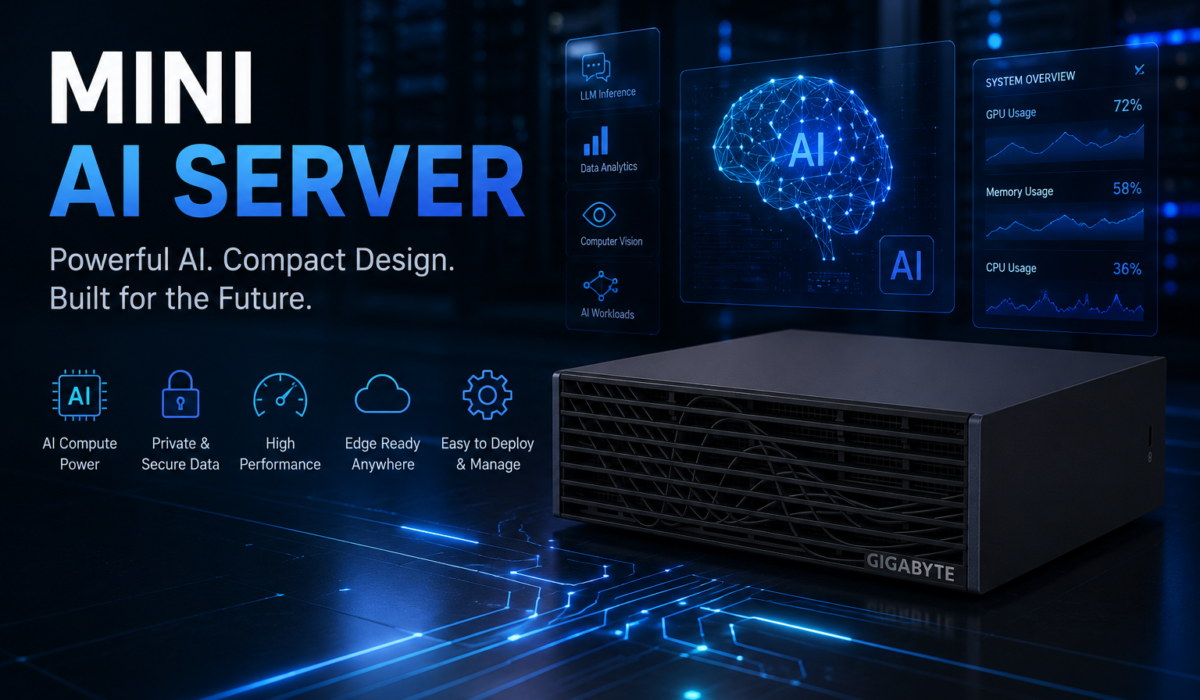
We Run All Four GB10 Mini AI Servers in Our Office — Here’s What Weeks of Real Use Taught Us
Full disclosure up front: Prology both distributes mini AI servers and uses them ourselves, every day. Because of that, our technical team’s equipment shelf currently holds all four names of the NVIDIA GB10 platform: the DGX Spark, the ASUS Ascent GX10, the MSI EdgeXpert MS-C931, and the GIGABYTE AI TOP ATOM. What follows is not a product introduction — it’s our notes after weeks of living with this fleet: running internal LLMs, building RAG over company documents, clustering two units, and above all, observing how four machines that look identical on paper actually differ in practice. Some things exceeded our expectations; some things you should know before spending money. We wrote down both.
Why we use mini AI servers
The story starts with a very ordinary need: our technical team wanted an AI assistant that could read all of our internal documentation — device datasheets, configuration histories, years of accumulated engineering notes — and quickly answer questions like “how does this model differ from that one, and which configurations are in stock.” In other words, a RAG pipeline over company data, plus a few AI agent experiments for our quoting workflow.
The first option, as for most companies, was renting cloud GPUs. It worked — but two problems surfaced fast. First, experimentation costs are uncontrollable: the “tinkering” phase is when machines run the most, and hourly billing doesn’t distinguish experiments from production. Second — more important to us — customer data and cost prices are not things we want on outside infrastructure, whatever the provider promises.
Option two was a workstation with a discrete GPU. The catch: the models we wanted to run — the 70-billion-parameter class and up, quantized — need more memory than the 16–24GB of VRAM on mainstream cards. Step up to data-center cards and the cost and power draw start approaching… an actual server.
GB10 mini AI servers sit exactly in between: enough memory for large models, small enough for an office, one-time cost. And because we distribute all four brands, we had a rare opportunity — run them all at once, on the same workloads, in the same office, before advising a single customer.
The fleet we’re running
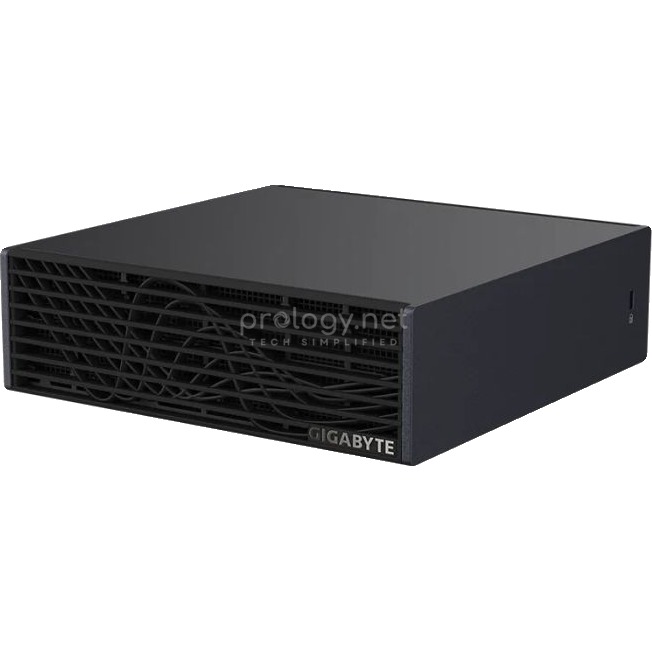
The four machines share the same core: the NVIDIA GB10 Grace Blackwell Superchip (20-core Arm CPU + Blackwell GPU on one die), 128GB of unified memory at 273 GB/s, a nominal 1 petaFLOP (FP4), ConnectX-7 200G networking, and NVIDIA DGX OS. All run off ~240W adapters plugged into normal office outlets. The differences live in the chassis, storage options, and a few port details:
| Machine | Our Unit | What Stands Out in Use |
|---|---|---|
| NVIDIA DGX Spark | 1TB | Champagne-gold shell, metal-foam panels — “prettiest on the shelf” |
| ASUS Ascent GX10 | 2TB | The market’s only 2TB tier; DisplayPort 2.1; heavier in hand (1.48 kg) |
| MSI EdgeXpert MS-C931 | 4TB self-encrypting | Industrial build, PD-out port to power external devices |
| GIGABYTE AI TOP ATOM | 4TB (PCIe 5.0) | Plain, pragmatic, recognizable wave-pattern grille |
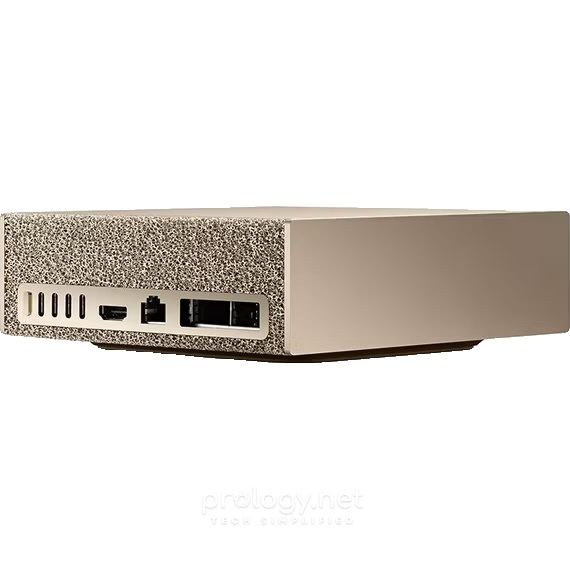
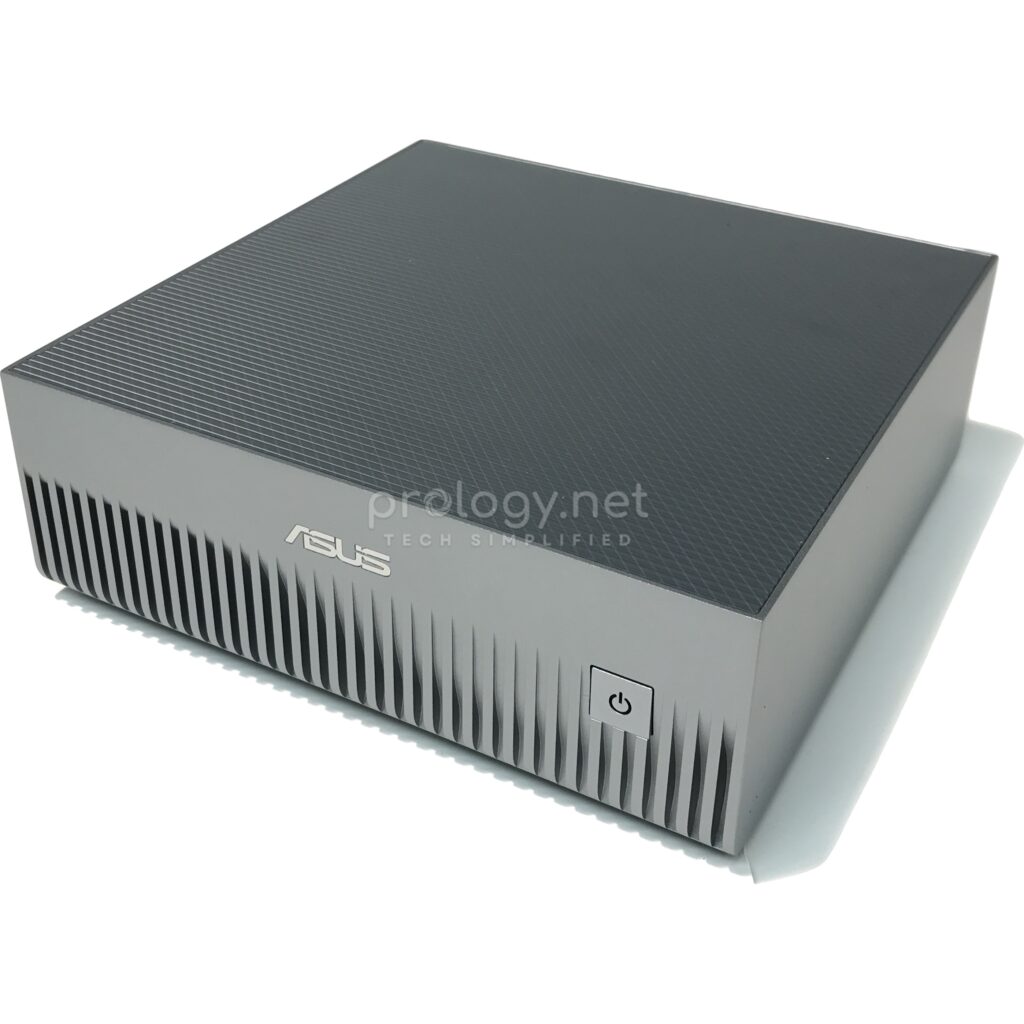
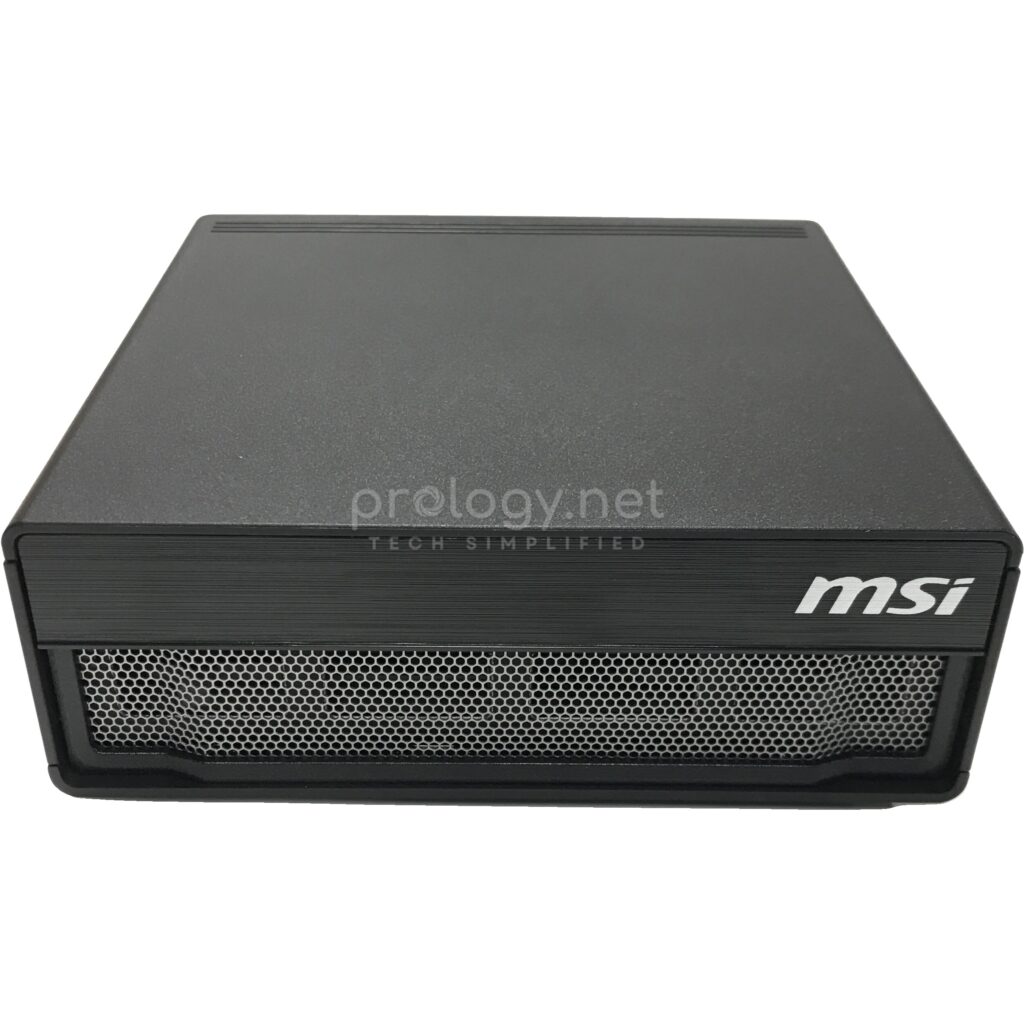
Real-world experience
Setup: four machines, one procedure, no exceptions
The first surprise: setup on all four machines is identical to the point of boredom — in the best sense of the word. All four run the same DGX OS with drivers, CUDA, and the AI stack preinstalled. Plug in power, connect the network, SSH in from a laptop, pull Ollama and our usual containers — from unboxing to first prompt in less than a morning, and that morning repeated itself exactly for each machine. Anyone who has built an AI box from bare Linux plus discrete-GPU drivers knows what that’s worth.
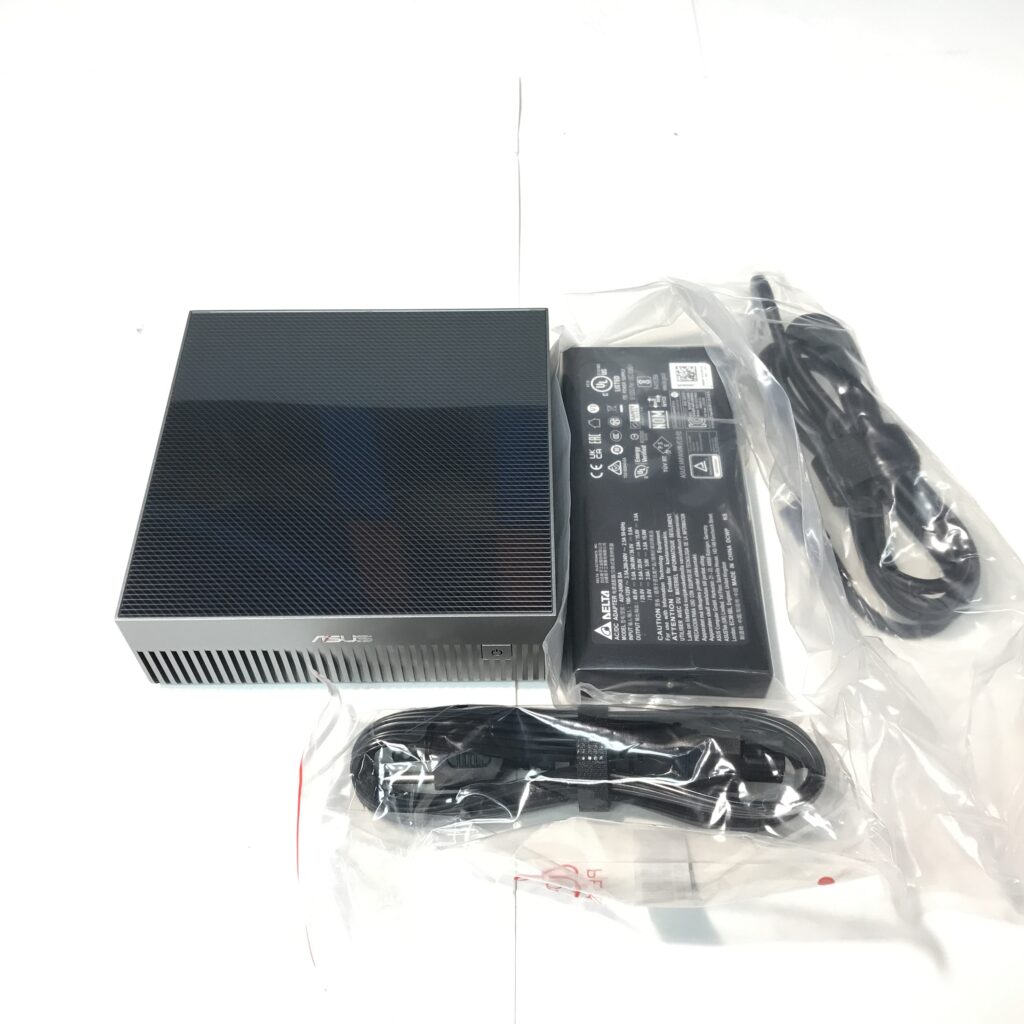
Our actual operating mode: the whole fleet sits on a shelf with no monitors and no keyboards. Each machine gets a hostname; the team SSHes in. Each machine’s display output was used exactly once, during initial setup.
Daily LLM work: the code doesn’t care which machine
The fleet’s main workloads are three: an internal chat model, a RAG pipeline over company documents, and a sandbox for whatever open model just came out. The most important finding after weeks of use: containers and scripts run identically on every machine, without changing a single line. Same GB10 core, same DGX OS — we shuffle workloads across the four machines like four anonymous nodes in one cluster, and that’s precisely the advantage of an entire market standing on one platform.
With 70-billion-parameter-class models quantized (Llama 3.3 70B is our team’s workhorse), every machine loads and runs them comfortably inside the 128GB of unified memory — something that’s simply impossible on a mainstream discrete GPU. Response speed is genuinely usable for internal chat and RAG: answers stream steadily, you read along, there’s no “waiting for the machine to think.” It’s not as fast as commercial APIs running on data-center GPU clusters — nor did we expect that from 240W machines. Smaller models (Qwen, Gemma under the 30B class) respond nearly instantly. And as expected: the speed difference between the four machines is imperceptible — anyone telling you one brand’s GB10 box is “faster” than another’s is selling you something that doesn’t exist.
Thanks to the roomy memory, each machine holds two or three models in RAM at once — a large chat model, a small fast classifier, an embedding model for RAG — switching between them without reloading from disk. On stability: the whole fleet has run continuously for weeks, with no unplanned reboots and no mid-session hangs.
Living with the whole fleet: where the real differences are
This is the part only someone running all four at once can answer. On noise and heat: the four are equivalent — same power envelope, same front-intake rear-exhaust principle; a meter from the nearest seat in an open office, the whole fleet’s fan noise disappears into the air conditioning. Every chassis warms up under sustained load; none gets worryingly hot in an air-conditioned room.
The visible differences are in usage details. The GX10 is distinctly heavier in hand (1.48 kg vs. 1.2 kg) — reassuringly solid, though meaningless once everything sits still on a shelf. The MS-C931’s PD-out port got used exactly once, to power a portable monitor during a debugging session — handier than expected. The ATOM and MS-C931 are surprisingly alike in daily use, true to their “pragmatic black box” character. And the DGX Spark — honestly, its biggest difference is that every customer who visits the office asks about the gold machine first. For a showroom, that too is a feature.
On power: a 240W ceiling per machine means all four running 24/7 still draw less than a single old rack server — leaving everything on around the clock required no budget approval from anyone.
Clustering: when 200 billion parameters isn’t enough
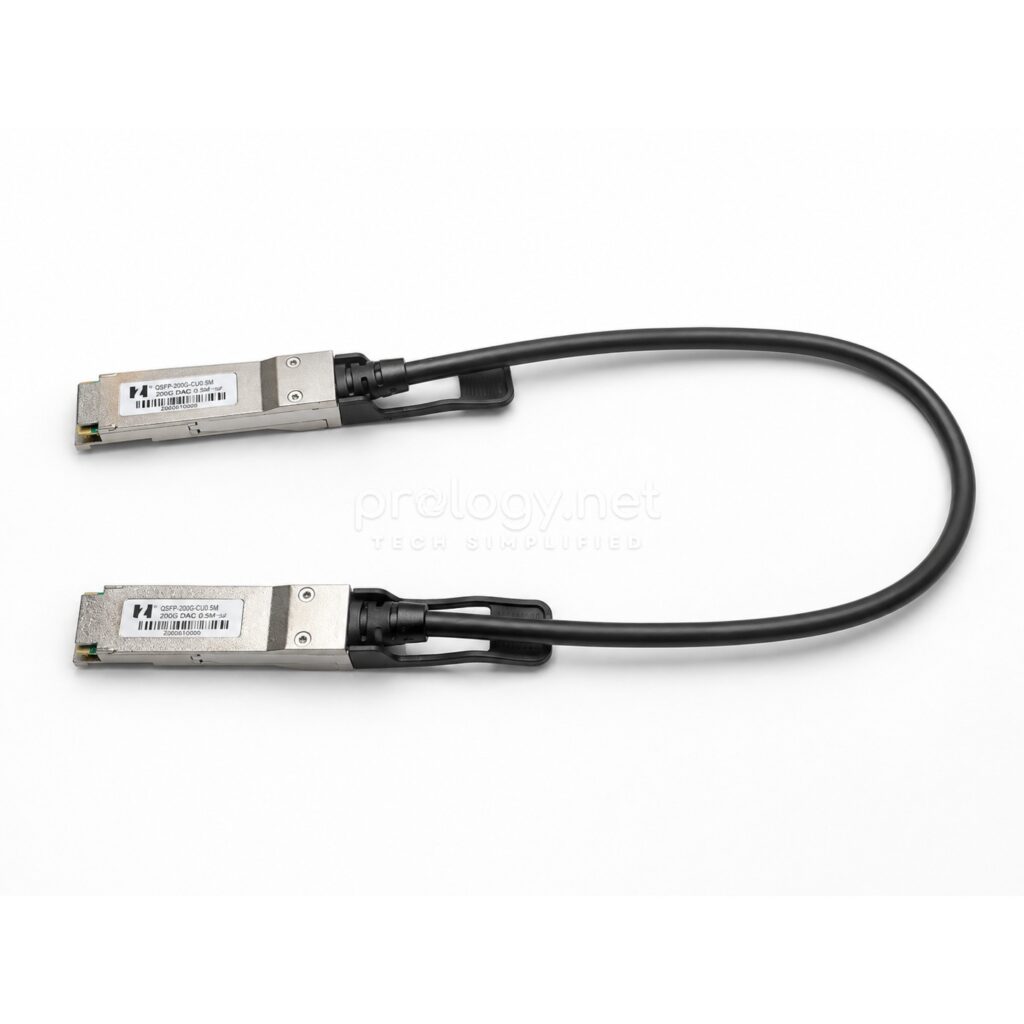
For models beyond a single machine’s capacity, we joined two GX10s into a cluster over their ConnectX-7 ports with a QSFP56 200G DAC cable, following the DGX Spark platform’s clustering procedure — cable into the same port position on both machines, separate management network over LAN.
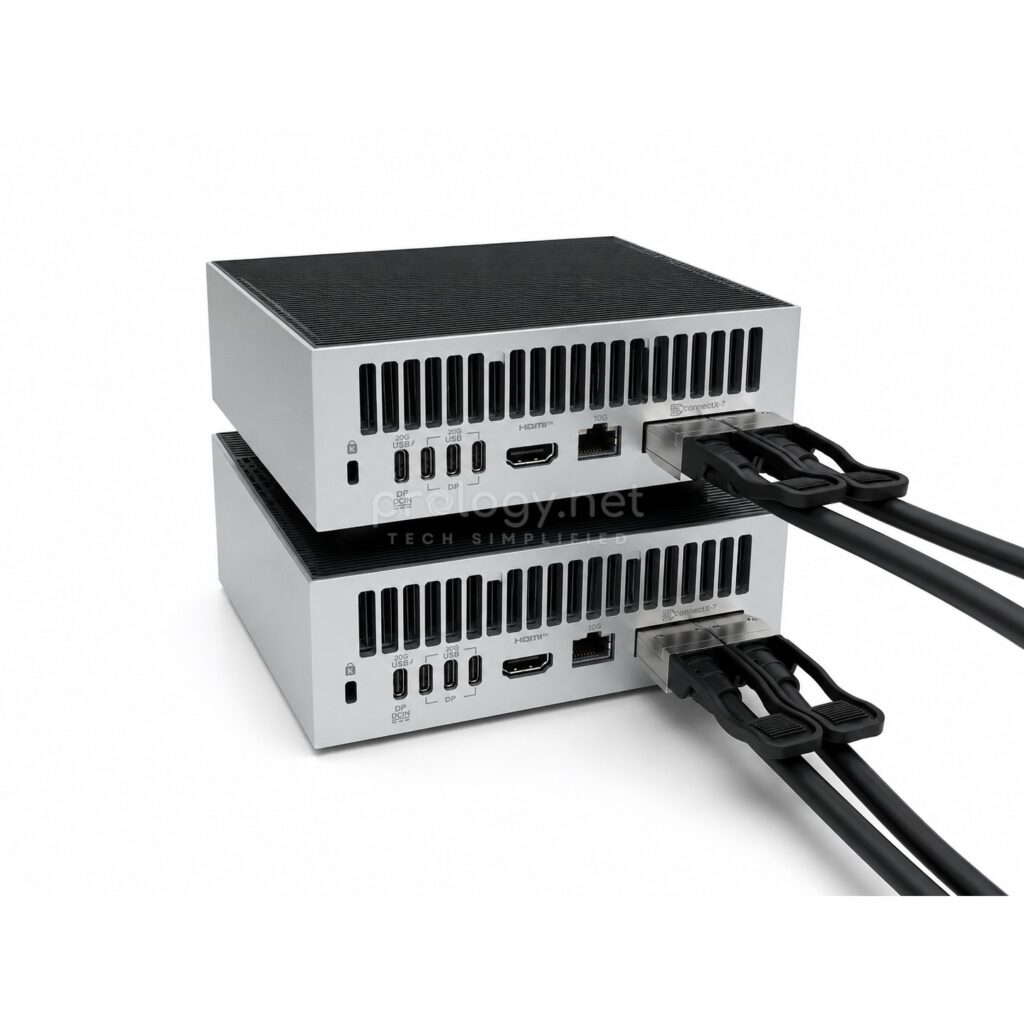
An honest assessment: the hardware is the easy step — one cable, five minutes. The software side requires more careful reading of the documentation; this is not the plug-and-play experience of a single machine. In exchange, the two-node cluster runs 405-billion-parameter-class models quantized — something we could previously only touch through APIs. It’s noticeably slower than a 70B model on one machine (distributed inference over a cable has its price), but for evaluating and experimenting with the largest models on-premises, nothing at a comparable cost does this job.
What we like
After weeks of use, the lasting positives aren’t quite what the brochures emphasize. The silence is what the team mentions most — an entire fleet of “AI servers” living among people in an open office without anyone noticing they’re running. The low-touch operations: plug in once, SSH from a laptop, run for weeks untouched. The unified platform means code written once runs across the fleet — and it makes our own customer advice more honest: choosing a machine is about configuration and needs, not performance.
One line per machine: the GX10 offers the most flexible storage choices (exclusive 2TB tier); the MS-C931 delivers industrial peace of mind with self-encrypting storage as standard; the ATOM simply gets the job done with 4TB PCIe 5.0; the DGX Spark is the one you place where customers can see it.
And the abstract point that genuinely changed how we work: 128GB of unified memory made the team stop asking “will this model fit in VRAM” — the question that haunts every discrete-GPU setup — and start asking “which model is best for this job.”
What to weigh before buying
No hardware is perfect, and these points apply to all four machines.
128GB is a hard ceiling. The memory is soldered to the chip — no upgrades. If your needs exceed it, the only path is a second machine and a cable.
One M.2 slot. Choosing the wrong capacity at purchase means a full rebuild when you swap drives. Our experience: with multiple users sharing machines, a NAS is effectively mandatory — and when several people pull tens-of-GB models at once, your 10G port and your switch matter more than you’d think.
Get a UPS. Each machine has a single power supply, with no redundancy like a rack server. A power cut mid-fine-tune is a lesson you only need once.
Not a machine for training large models from scratch. LoRA fine-tuning, distillation, inference — great. Pretraining hundreds of billions of parameters — wrong tool.
Arm + dedicated Linux. The vast majority of AI tools now have solid Arm builds, but we still occasionally hit x86-only tools that need workarounds. These are dedicated machines — not general-purpose Windows PCs.
Who should buy — and which machine?
From our own use plus customer consultations: AI startups and SMEs that need internal LLMs at fixed cost — a GX10 1TB/2TB is the most sensible entry point; universities and labs — the ATOM or GX10, prioritizing whichever is better priced at purchase time since the teaching experience is identical; healthcare, finance, and legal with security checklists — the MS-C931 for its standard self-encrypting drives; research groups needing an NVIDIA reference standard or a technology showroom — the DGX Spark; manufacturing with edge AI needs — the MS-C931, with the fullest IPC-style environmental documentation in the group.
Hold off if: your needs stop at calling commercial model APIs (a subscription is far cheaper); you need to train large models from scratch (a job for GPU server clusters); or you want a general-purpose machine that also does AI (look at traditional workstations).
The verdict: keep them, or send them back to the warehouse?
The real question our team answered after these weeks: if this fleet had to go back to the warehouse to be sold, would we set up another one? Yes, immediately — the internal RAG pipeline and the habit of “ask the model first, ask a colleague second” have become part of how we work. The biggest surprise wasn’t which machine won — it’s that they’re similar enough that the buying decision should rest entirely on storage options, security requirements, and budget, not brand arguments.
If you’d rather verify than trust an article — including this one — visit the Prology office and watch the fleet running for real, or bring your own workload and test it on the exact machine you’re considering. We can also benchmark against your specific use case instead of quoting generic numbers.