

Ubiquiti UniFi vs Cisco Meraki: Which One Should You Choose for Your Office?
Introduction: The Question Everyone Eventually Asks
You’re managing an office of around 120 people, with 6 meeting rooms, 30 IP cameras, and 2 redundant fiber lines. And you’re asking yourself: “Should I go with Ubiquiti UniFi or Cisco Meraki to keep the system stable, easy to manage remotely, without watching license costs creep up every year?”
The truth is, the answer isn’t about which one is “cheaper.” It comes down to how you want to operate, what your team is already comfortable with, and whether you’re planning to open more branches in the next few years. Since the hybrid-work boom, most small and mid-sized businesses want a network they can manage remotely, monitor easily, patch quickly, and scale without a headache every time they grow.
First, How Are These Two Actually Different?
If you go with Ubiquiti UniFi, here’s what you’ll find
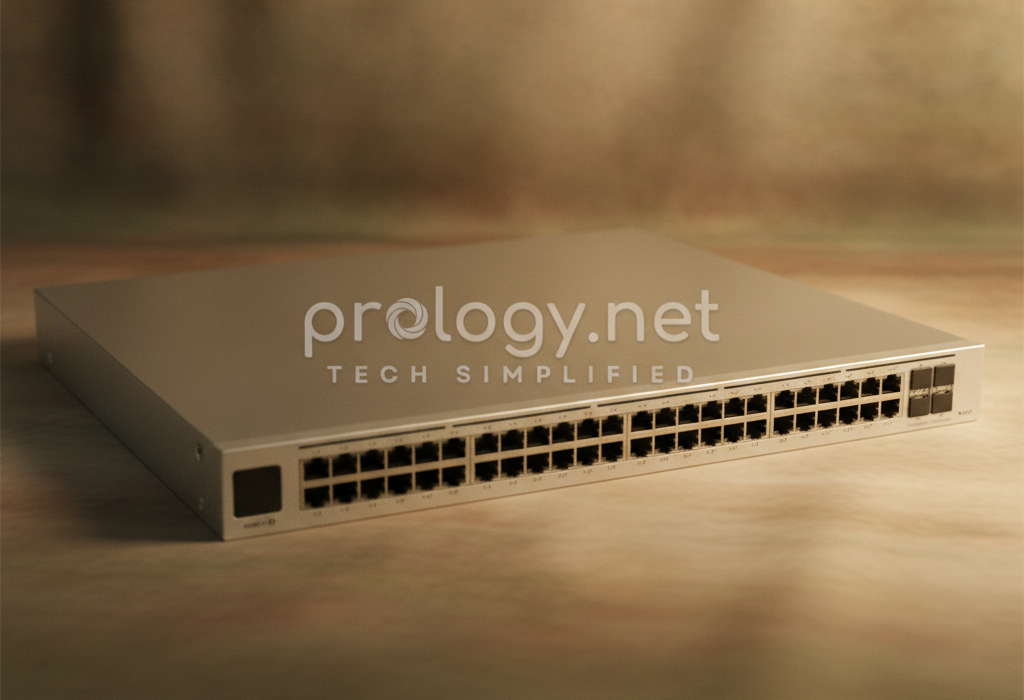
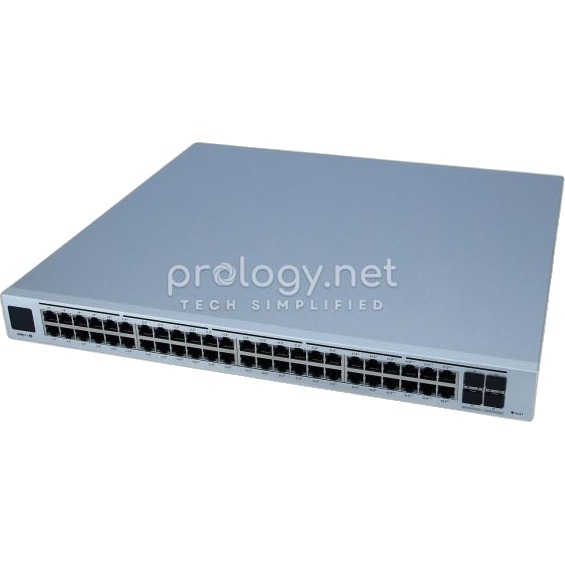
UniFi is like building your own house — you control everything. All your devices (gateway, PoE switches, access points, cameras) are managed through a single app called the UniFi Network Application. You decide where the controller lives: a small box like Cloud Key, a UniFi Dream Machine, or just a server you already have on-prem.
What you’ll like: no mandatory license fees for basic administration, more affordable hardware, and a fair amount of room to customize things your way. What you should keep in mind: most of your support will come from the community and your own IT team’s (or MSP’s) skill — there’s no one holding your hand 24/7 the way a paid service would.
If you go with Cisco Meraki, here’s what you’ll find
Meraki is more like renting a serviced apartment — everything is already set up for you; you just log into the Dashboard and manage it. Every device (the MX firewall, MS switches, MR access points, MG cellular gateways) shows up on one screen, and you can configure, monitor, and troubleshoot remotely — whether you’re at the office or sitting at a coffee shop.
What you’ll like: a genuinely mature platform, application-aware SD-WAN, branch-to-branch VPN set up in just a few clicks, and security backed by Cisco Talos. What you should keep in mind: every device is tied to a time-limited license, which means a recurring yearly cost, and you’re dependent on Cisco’s cloud being up and running.
So how do the details actually compare?
Here are the things that will directly affect how you work day to day — not dry spec sheets, but the stuff you’ll actually feel:
| What you’ll care about | Ubiquiti UniFi | Cisco Meraki |
|---|---|---|
| Where you manage the system from | Self-hosted controller (on-prem or your own cloud); still configurable even without internet | 100% through the Meraki Dashboard in the cloud; manage multiple branches from one place |
| Where your money goes | Mostly a one-time hardware purchase; no mandatory license fees | Per-device, per-year licensing to unlock premium features |
| How you connect your branches | Site-to-site VPN with failover; SD-WAN capabilities are fairly basic | Mature SD-WAN, Auto VPN that’s easy to set up, detailed link monitoring |
| What happens when your main link drops | Needs a separate LTE device for failover; integrated options vary by region | Cellular built in via MG, or on select MX models; easier to manage at scale |
| How well you’re protected | Basic IDS/IPS at the gateway; flexible, but less “context-aware” | IDS/IPS powered by Snort, threat intel from Cisco Talos, content filtering available |
| Managing multiple switches at once | No traditional stacking; each switch keeps its own control plane | Stacking support; push configs in bulk, one-click firmware updates |
| Automation and integrations | API exists but is fairly basic; strong community, scattered documentation | Official Dashboard API and webhooks; integrates well with ITSM/CMDB tools |
| This fits you if… | You’re optimizing for cost, your IT team is hands-on, and you have few branches (or can self-host) | You’re running a chain or multiple sites and need things to “just work” without deep technical hand-holding |
In short: if you need genuinely smart SD-WAN, multi-branch connectivity, and a single screen showing everything, Meraki will get you deployed faster and let you sleep easier. But if your priority is keeping upfront costs low, you want deeper control, and your team is confident handling a controller — UniFi is a very reasonable choice. A small office with 1–2 buildings will do just fine on UniFi; a chain with 10+ locations is where Meraki really shows its value.
What Do You Actually Gain From Choosing the Right System?
Why businesses are moving to these platforms
You stop jumping between disconnected tools — everything sits on one screen, even with dozens of switches and access points to manage.
When something breaks, you (or your newest IT hire) will find the cause much faster, because the dashboard logs client history, raises context-aware alerts, and even draws the topology for you.
You can let employees connect to company resources remotely and securely — site-to-site VPN, user VPN, clear device identification — instead of leaving ports open and hoping for the best.
Your office Wi-Fi gets noticeably more stable, especially during busy hours — the system auto-tunes the RF, and people moving between areas don’t get dropped.
You gain more control over your budget. UniFi cuts out license fees; Meraki standardizes operations. Two different paths, but both keep your costs transparent.
And if a branch loses its fiber connection mid-shift, you won’t have to close up — the system automatically fails over to 4G/5G within seconds to minutes.
One thing many SMBs overlook: automation. With Meraki, the official API lets you push configurations across dozens of devices at once, automate inventory, and stay compliant with less effort. With UniFi, you can still move fast using your own scripts and standardized templates — as long as your IT team keeps configuration discipline.
A few real-world situations you might recognize
If you’re running a chain of 15 stores, each with 8–10 staff, a couple of cameras, and a POS counter: Meraki (MX + MR + MG) will likely be the option that gives you the most peace of mind. Why? You can set up VPN between each store and headquarters in just a few steps, keep your POS traffic isolated and secure, separate guest Wi-Fi from your internal network, and let 4G/5G take over automatically if the connection drops — so you don’t lose sales. A 3-person IT team can still keep the whole system under control. When you open store number 16, you just assign an existing profile to the new device — even a non-technical person can do the physical install.
If you’re managing an office of 150–200 people, one main location, a couple of labs, and plenty of cameras and IP phones: UniFi (UDM-SE + PoE switches + U6 APs) is likely the better fit. You need stable Wi-Fi, plenty of PoE ports, and you want to keep your upfront investment under control. Having the controller on-site means your internal network keeps running even if your internet connection gets shaky — as long as your IT team has the experience to maintain and update it on a regular schedule.
If you’re running an engineering services company with 3 branches and 50 field engineers who need remote access to internal resources: you can combine both. Use Meraki MX at your main sites to take advantage of SD-WAN and cloud-managed VPN, and at smaller sites with fewer users, run UniFi for the Wi-Fi/PoE access layer to save on cost. This is the kind of hybrid setup Prology has deployed before — when the budget was tight, but the inter-branch link still needed to be smart.
So Where Should You Start?
A few questions to ask yourself before deciding
Do you care more about zero downtime, or about keeping costs as low as possible? Are you planning to open more branches in the next 12–24 months? What level of security do you actually need — just basic firewalling, or full IDS/IPS and content filtering?
Next, take stock of your real network load: how many devices connect at once, how many cameras/phones/access points need PoE, how much internal and internet uplink bandwidth you currently have, and which voice/video traffic absolutely can’t afford to be interrupted.
Only then should you pick an architecture: if you have multiple branches and a small IT team, leaning toward Meraki will take a lot off your plate. If you only have 1–2 locations and a seasoned technical team, UniFi will give you better ROI. And you can absolutely combine both if your situation calls for it.
When choosing hardware, keep your gateway separate from your core/access switches, size your access points to actual user density, and don’t forget to reserve an extra 20–30% of port and PoE capacity — because you will grow faster than you expect.
Before going live, test everything in a lab first, standardize your configuration templates (VLANs, SSIDs, ACLs), schedule the cutover outside business hours, and always have a rollback plan ready. Turn on proactive monitoring from day one so you find out about problems before your staff does.
Finally, document everything: network topology, IP plan, access point density by area, and your backup/restore process for the controller (UniFi) or license management (Meraki). This is the part most projects skip — and then one day the one person who knew it all leaves, and you realize you were relying on a single point of failure.
A few things worth doing from day one
Separate your VLANs by business function: POS, cameras, guests, IoT devices — don’t let everything sit on one flat network. It’s one of the most common mistakes, and one of the easiest to avoid.
Always have a backup plan for your WAN link: dual ISP, or 4G/5G failover. With Meraki, that means MG or USB cellular; with UniFi, that means configuring WAN2 alongside an external LTE router.
Don’t leave your Wi-Fi and systems exposed — enable WPA3/802.1X for your business Wi-Fi where it fits, turn on IDS/IPS at sensible thresholds, and forward logs to a SIEM if you have one. But don’t enable every heavy feature on an underpowered gateway either — you’ll just choke the CPU and slow everything down.
Build your templates early: Meraki gives you Dashboard templates and policies; UniFi lets you build your own profiles for ports, SSIDs, and guest access. A good template saves you a huge amount of time down the road.
Always plan one step ahead for growth: access point count based on density, PoE budget, and 10G uplink at the core if you’re running internal servers. Doing this means you won’t have to tear everything down and rebuild later as the company grows.
Monitor and analyze regularly: turn on client health tracking, RF analytics, and heatmaps; watch for roaming and latency issues. Once things settle, record a baseline so you have something to compare against when problems eventually show up.
And one more important point: if you’ve already chosen Meraki for SD-WAN, stay consistent and pair it with MS switches and MR access points to share the same API and licensing. If you’ve gone with UniFi, keep the whole ecosystem on UniFi so you only have to manage one controller. Only mix vendors when you have a genuinely clear reason — not just because something “looks good.”
Mistakes worth avoiding
Don’t turn on every security feature on a low-spec gateway. If you enable heavy IDS/IPS and QoS on hardware that can’t handle it, the CPU will get maxed out, latency will rise, VoIP calls will start crackling, and VPN connections might even drop mid-session. Before enabling anything, check the device’s real-world throughput for that feature.
Don’t skip redundancy for PoE power and uplink. If a switch overloads on PoE, your cameras and phones can shut off all at once, and you’ll spend valuable time reassigning ports while the system is live. If you’re running on a single 1G uplink, consider LACP or a second link to avoid unexpected outages.
Don’t skip a Wi-Fi survey before installation. If you do, you’ll discover “dead zones” in high-traffic areas only after everything’s installed — and the helpdesk tickets will follow. Fixing it afterward (relocating access points, re-running cable, disrupting meeting rooms) costs far more than surveying upfront would have. A simple virtual heatmap, followed by a few spot-checks in high-density areas, will save you that headache.
Looking a Bit Further Ahead
AI is starting to find its way into network operations — automatically classifying RF issues, suggesting cleaner channels, and flagging unusual client behavior. If you’re on Meraki, the cloud platform is a natural launchpad for these advanced analytics; combined with multi-layer telemetry, it can flag problems before your users even notice. If you’re on UniFi, the large community is pushing new features out fast — from WireGuard to open telemetry — giving you room to build your own custom dashboards.
SD-WAN will keep becoming more common for businesses like yours, especially as SaaS applications become the backbone of daily work. Meraki MX is already well-positioned for this, while UniFi suits lighter SD-WAN needs or pairing with another solution if you need deeper traffic optimization.
In the end, the question of the future won’t be “should I manage my network through the cloud,” but “how much of it should I manage that way.” Many of Prology’s recent projects combine the two: Meraki at the edge to take advantage of Auto VPN and centralized monitoring, and UniFi at the access layer for smaller sites to keep costs down — as long as you have clear processes and proper documentation in place.
So, Which One Should You Choose?
If you’re running a single office of 100–200 people, with a lot of PoE devices, and you need stable Wi-Fi plus a seasoned IT team: choose Ubiquiti UniFi. You’ll optimize your upfront investment, keep full control of your controller, and pay close to nothing in license fees for basic administration.
If you’re running a chain of 5 to 30 branches, your IT team is small, and you need SD-WAN, Auto VPN, context-aware security, and standardized 4G/5G failover: Cisco Meraki is worth the investment, because it shortens your deployment time, reduces operational risk, and integrates easily with the other systems you’re already using.
Here’s something worth thinking about that often gets overlooked: the lifecycle of your IT staff. With Meraki, knowledge is anchored in the Dashboard and pre-built templates — new hires get up to speed fast. With UniFi, you get deeper customization — fantastic if you have someone internally who maintains the standards long-term. Ask yourself: over the next 12 months, will your team have the capacity to keep configuration discipline and back up the controller, or do you need a cloud platform that asks less of you?
If you’re still not sure, don’t commit everything at once. Start with a pilot at 1–2 locations, measure real-world support quality, and calculate your total cost of ownership over 36 months before scaling company-wide. That’s the approach Prology consistently recommends to its clients — decide based on real data, not on whichever brand name sounds more familiar.