

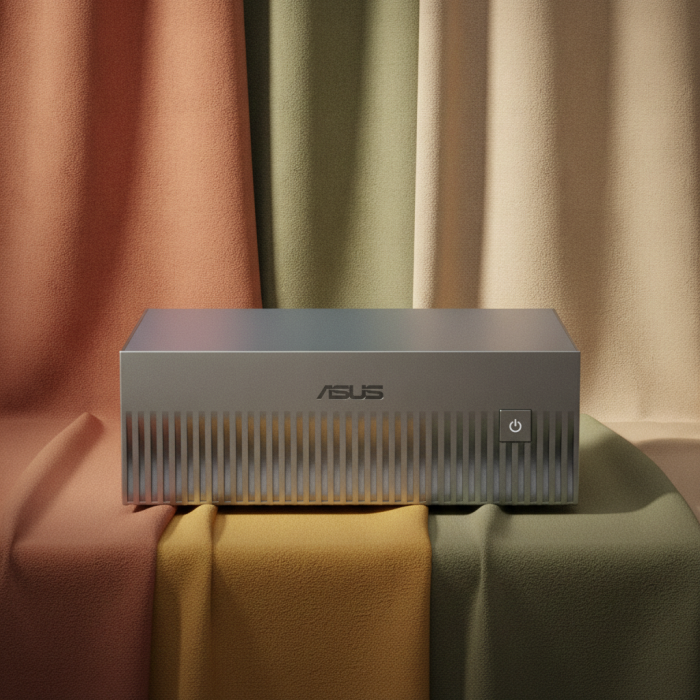
ASUS Ascent GX10: Can You Really Put Data Center Power on Your Desk?
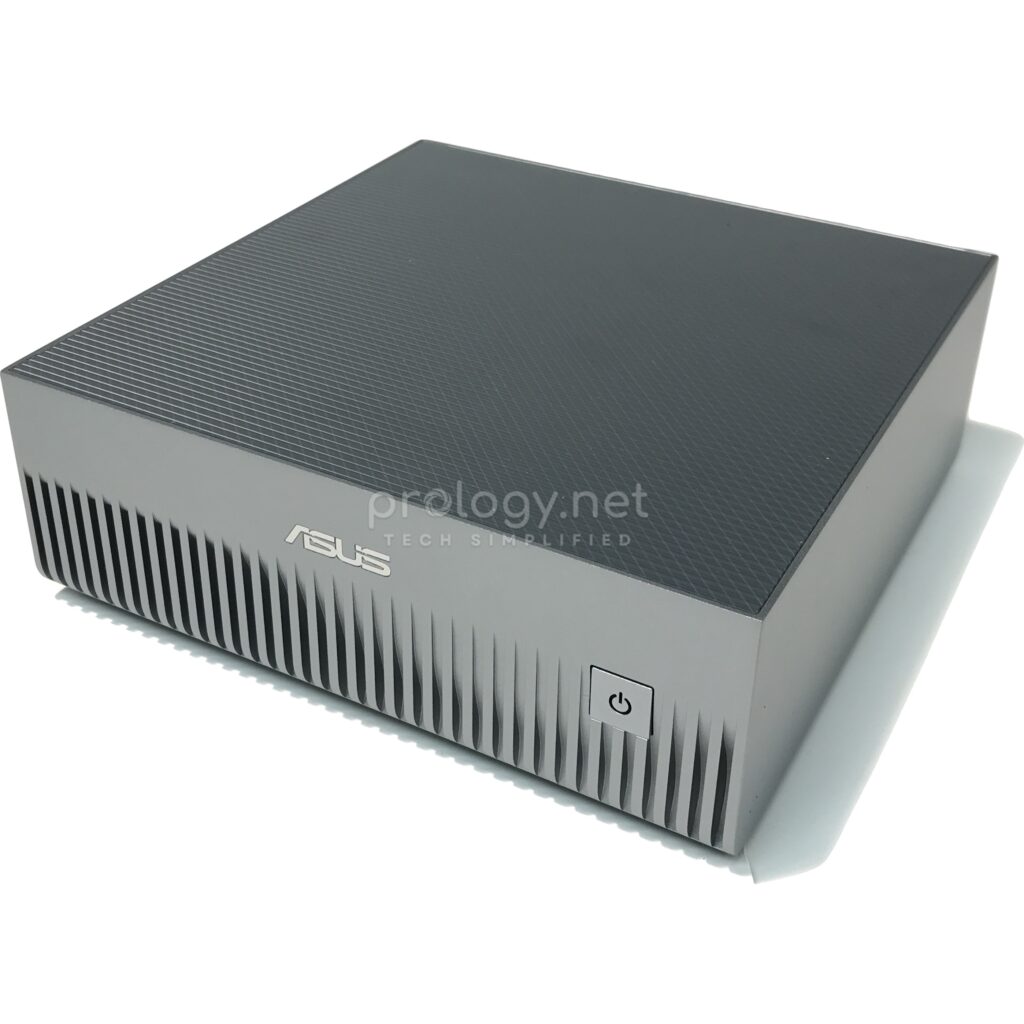
Until recently, a team that wanted to build and fine-tune AI models had two options: rent cloud GPUs and watch the bill grow by the hour, or buy a GPU server along with the machine room, cooling, and staff needed to keep it running. The ASUS Ascent GX10 makes a third offer — a machine smaller than a shoebox that sits on a desk yet handles models with hundreds of billions of parameters. This article looks at what the GX10 actually is, which specifications matter, and which businesses should (or shouldn’t) put one on the desk.
What is the ASUS Ascent GX10?
The Ascent GX10 is a desktop AI supercomputer that ASUS builds on the NVIDIA DGX Spark platform — the “personal AI supercomputer” line NVIDIA launched with its hardware partners. At its heart sits the NVIDIA GB10 Grace Blackwell Superchip: an Arm v9.2-A CPU and an integrated Blackwell GPU on a single superchip, sharing 128GB of unified LPDDR5x memory.
That unified memory architecture is the fundamental difference from a workstation with a discrete graphics card. On a discrete GPU, your model is capped by VRAM — typically 16GB to 32GB on mainstream cards. On the GX10, the CPU and GPU both address the full 128GB, so it can load models that previously required dedicated server hardware. According to ASUS, the system delivers up to 1 petaFLOP of AI performance (FP4) and supports fine-tuning models of up to 200 billion parameters on a single unit.
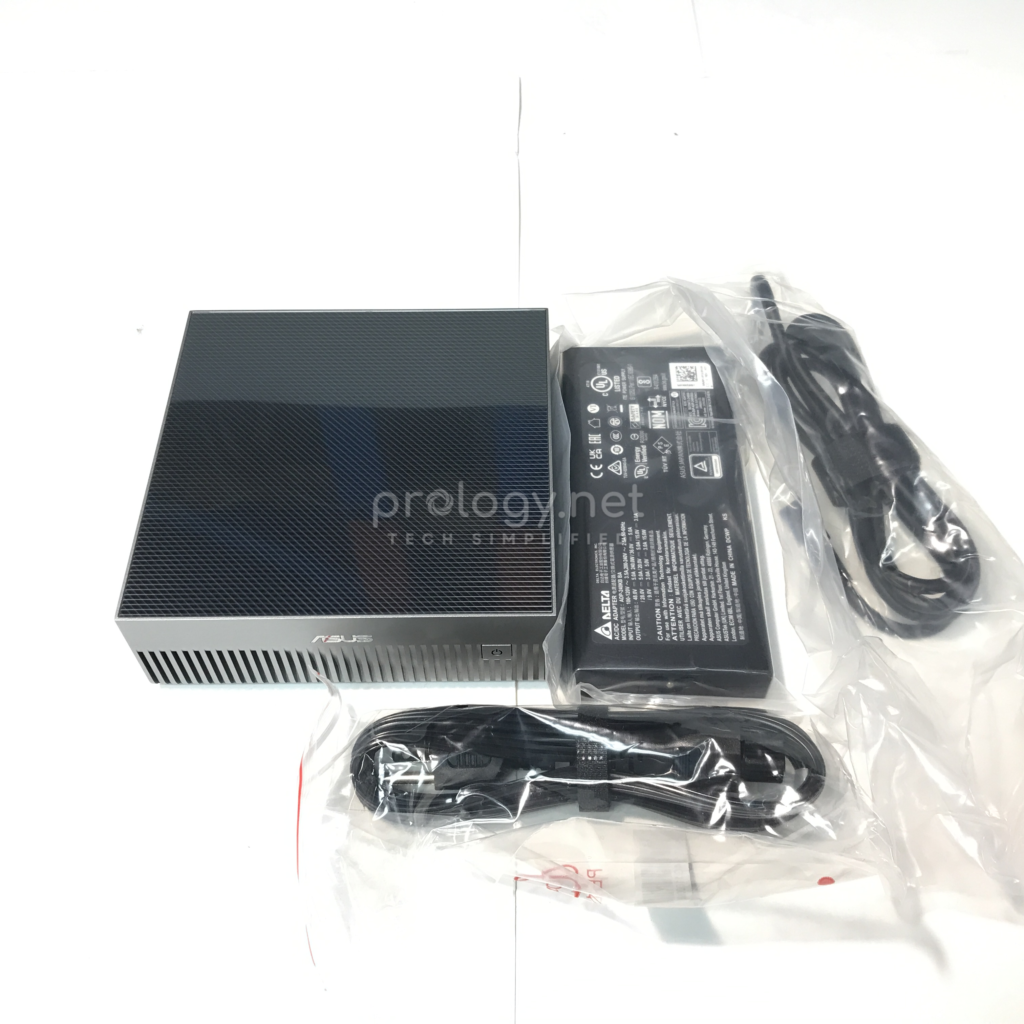
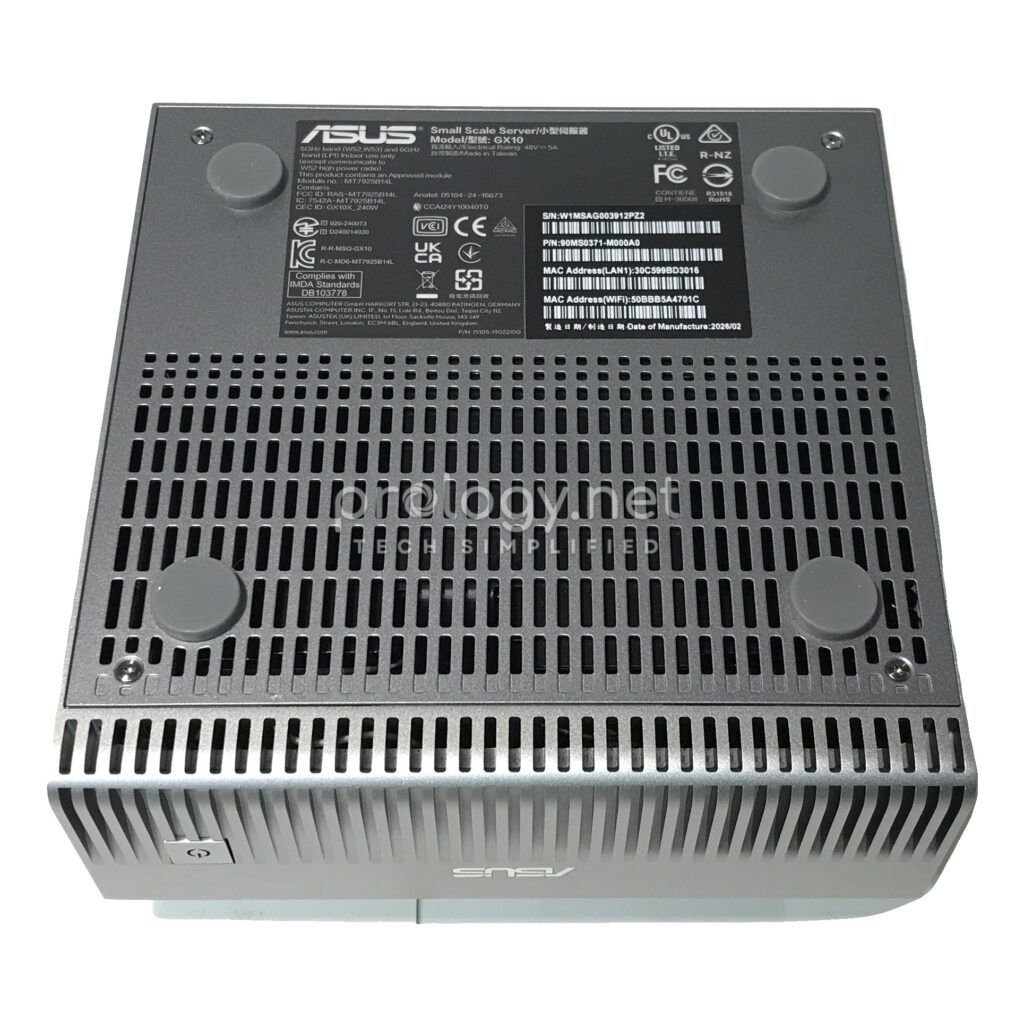
All of this fits in a 150 x 150 x 51 mm chassis weighing 1.48 kg, powered by a 240W adapter. It plugs into a normal office outlet — no special infrastructure required.
The specs that matter
| Component | Specification |
|---|---|
| Superchip | NVIDIA GB10 Grace Blackwell (Arm v9.2-A CPU + integrated Blackwell GPU) |
| AI Performance | Up to 1 petaFLOP (FP4) |
| Memory | 128GB LPDDR5x unified system memory |
| Storage | M.2 NVMe 1TB / 2TB (PCIe 4.0) or 4TB (PCIe 5.0), single slot |
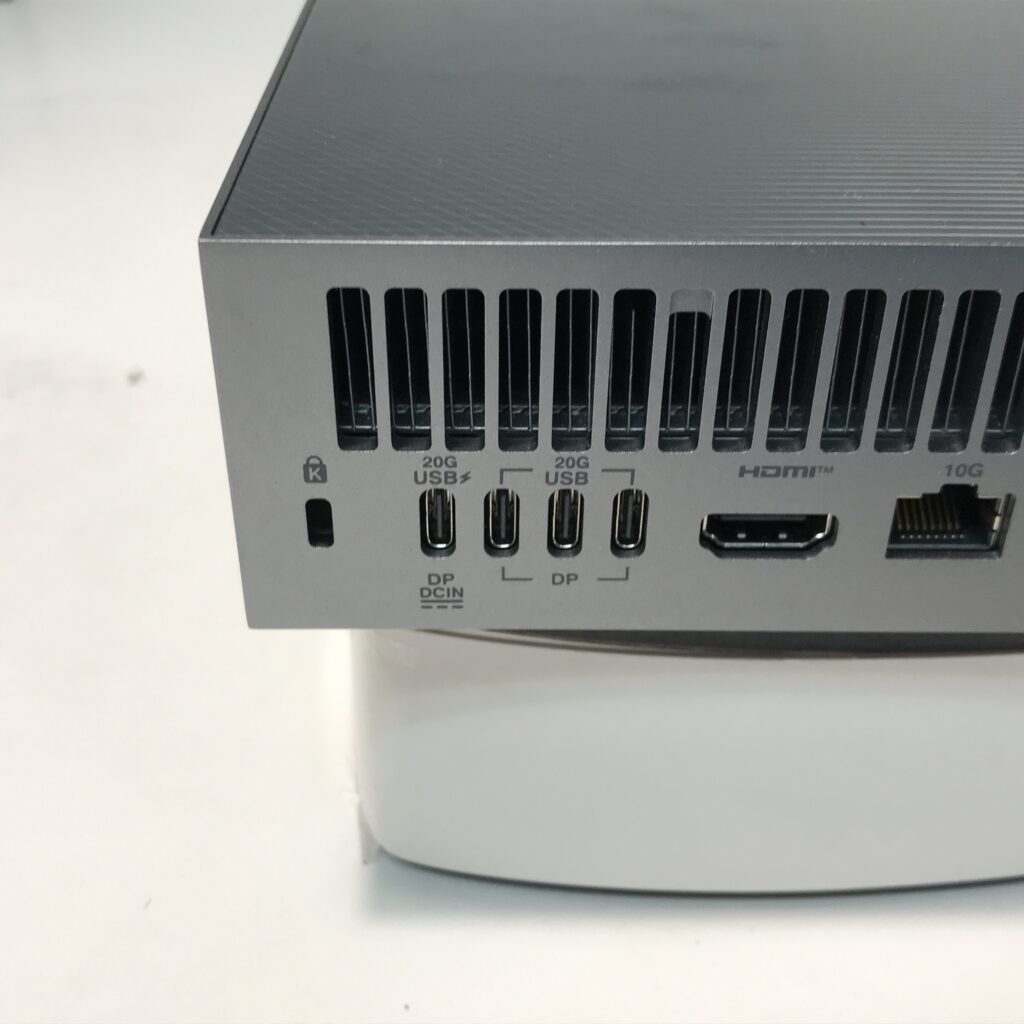
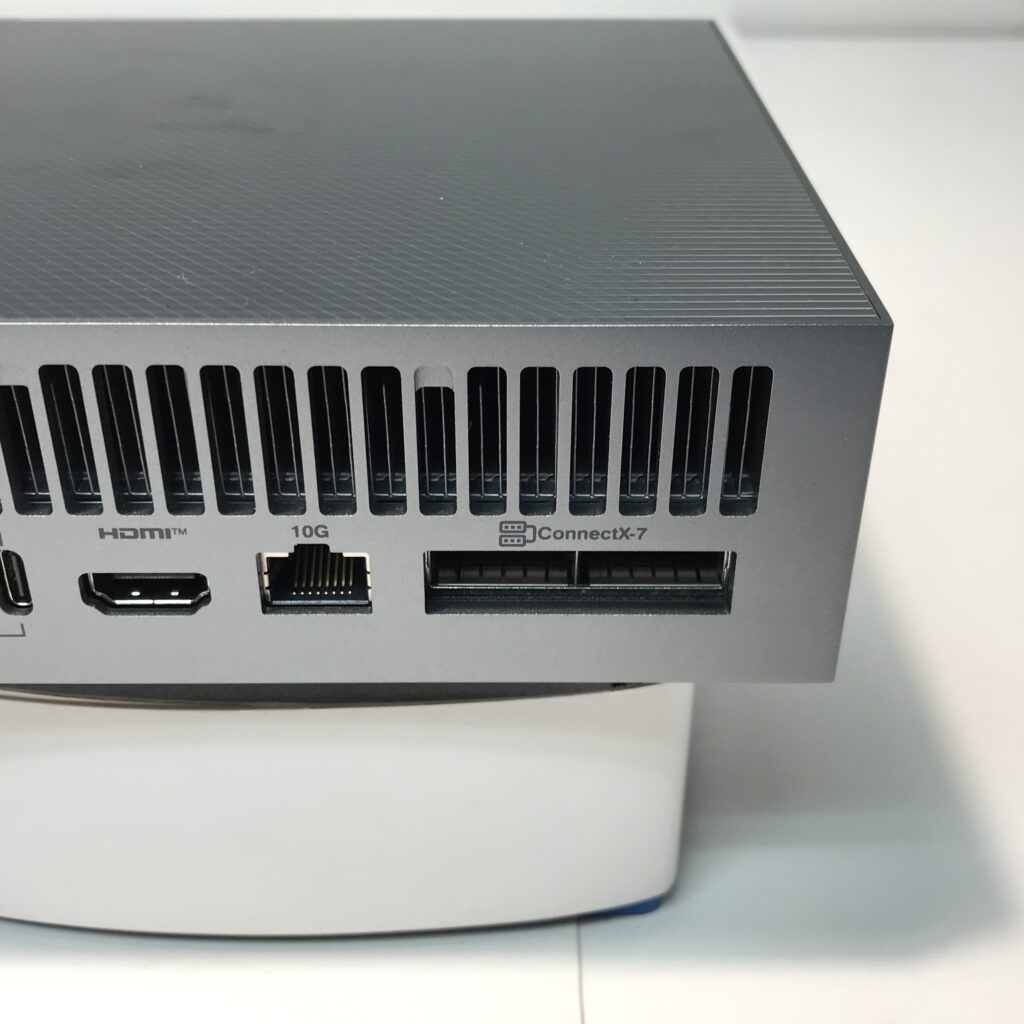
| Networking | 10G LAN, NVIDIA ConnectX-7 SmartNIC, Wi-Fi 7, Bluetooth 5.4 |
| Ports | 3 × USB-C 20Gbps (DisplayPort 2.1), 1 × USB-C PD-in 180W, HDMI 2.1 |
| Power | 240W adapter |
| Size / Weight | 150 × 150 × 51 mm / 1.48 kg |
| Operating System | Ubuntu Linux (NVIDIA DGX software platform) |
128GB of unified memory — the number that decides
For AI workloads, the memory available to the GPU matters more than almost any other spec: it determines which models load and which don’t. 128GB of unified memory puts the GX10 in territory that used to require multi-GPU cloud instances or a server with data-center cards. Developers can experiment, distill, and fine-tune mid-size and large models locally, then push the results to production infrastructure.
ConnectX-7 — link two units to run bigger models
The GX10 ships with an NVIDIA ConnectX-7 SmartNIC, the class of high-speed network card normally found inside data centers. Two GX10 units can be connected directly into a small cluster capable of running inference on models of up to 405 billion parameters — Llama 3.1 405B, per ASUS and NVIDIA. That “buy one now, add a second when needed” path lets a business scale with demand instead of committing a large budget up front.
The DGX software ecosystem
The GX10 runs Ubuntu Linux on NVIDIA’s AI software stack — the same platform as the DGX systems running in data centers. The practical consequence: code, containers, and workflows built on a GX10 move to DGX Cloud or larger GPU servers with little or no modification. The machine works as a scaled-down replica of your production environment, sitting on an engineer’s desk.
What problems does the GX10 actually solve?
Data control. In industries where data is sensitive — finance, healthcare, legal — sending training data to the cloud is often a non-starter. With the GX10, the entire AI development loop stays inside the company network. Data never leaves the building.
Predictable cost. Cloud GPUs are flexible, but the meter runs by the hour, and long experimental phases have a way of blowing past estimates. The GX10 is a one-time purchase with a list price far below traditional GPU servers, and the 240W power draw barely registers next to a rack server.
Zero infrastructure. No machine room, no heavy-duty UPS, no dedicated cooling. A two- or three-person AI team can start with a single unit on a desk — a fit for small and mid-size businesses that want to build internal AI capability before committing to bigger budgets.
GX10 vs. DGX Spark and the alternatives
On core hardware, the GX10 and NVIDIA’s DGX Spark are the same machine where it counts: identical GB10 Superchip, identical 128GB of unified memory, equivalent compute. The differences are storage and price. ASUS offers 1TB, 2TB, and 4TB configurations while the DGX Spark sells as a 4TB unit, and the lower-storage GX10 configurations carry a more accessible list price than NVIDIA’s own brand. If your team pulls datasets from a NAS or network storage, a 1TB–2TB unit is a sensible entry point; if you want datasets and checkpoints kept locally, go straight to 4TB — the machine has a single M.2 slot.
Against a workstation with a discrete GPU: the discrete card still wins at gaming, graphics, and workloads that favor high clock speeds, but it loses on memory available to large AI models. Against the cloud: cloud remains the right answer for large-scale training and production deployments with variable load. The GX10 doesn’t replace the cloud — it replaces the “burn cloud budget on experiments” phase.
Who should buy one — and who shouldn’t
The GX10 makes sense if your business has an AI team that needs a local environment for experimentation and fine-tuning, works with data that cannot leave the premises, or wants to run large open-weight language models for internal applications at a fixed cost.
Skip it if your needs stop at calling commercial model APIs (ChatGPT, Claude, Gemini), your workloads are light inference a mainstream GPU already handles, or you need to train models from scratch at scale — that’s a job for a server cluster, not a desktop.
Frequently asked questions
Can the GX10 replace a GPU server in the data center?
No, and it isn’t designed to. The GX10 is for development, experimentation, and local inference; large-scale production still needs server or cloud infrastructure.
Does it run Windows?
No. The GX10 runs Ubuntu Linux on the NVIDIA DGX software platform. It’s a dedicated AI machine, not a general-purpose PC.
How large a model can a single GX10 handle?
Per ASUS, a single unit supports fine-tuning models of up to 200 billion parameters; linking two units over ConnectX-7 extends inference to models of up to 405 billion parameters.
How much does it cost?
Pricing varies by storage configuration and market. Contact Prology for current pricing and availability.
Is it loud or power-hungry?
It runs on a 240W adapter — comparable to a gaming laptop and several times below a GPU server. The design targets an office environment, not a machine room.
Start small, think like a data center
The GX10 won’t replace your entire AI infrastructure, and it doesn’t try to. What it changes is the starting problem: instead of convincing the board to fund a server and a machine room, your technical team needs a 1.5 kg device and an office outlet to begin building in-house AI capability. If you’re weighing the GX10 against other AI infrastructure options for your business, the Prology team can help you match a configuration to your actual workload and budget.